




Liraspin App
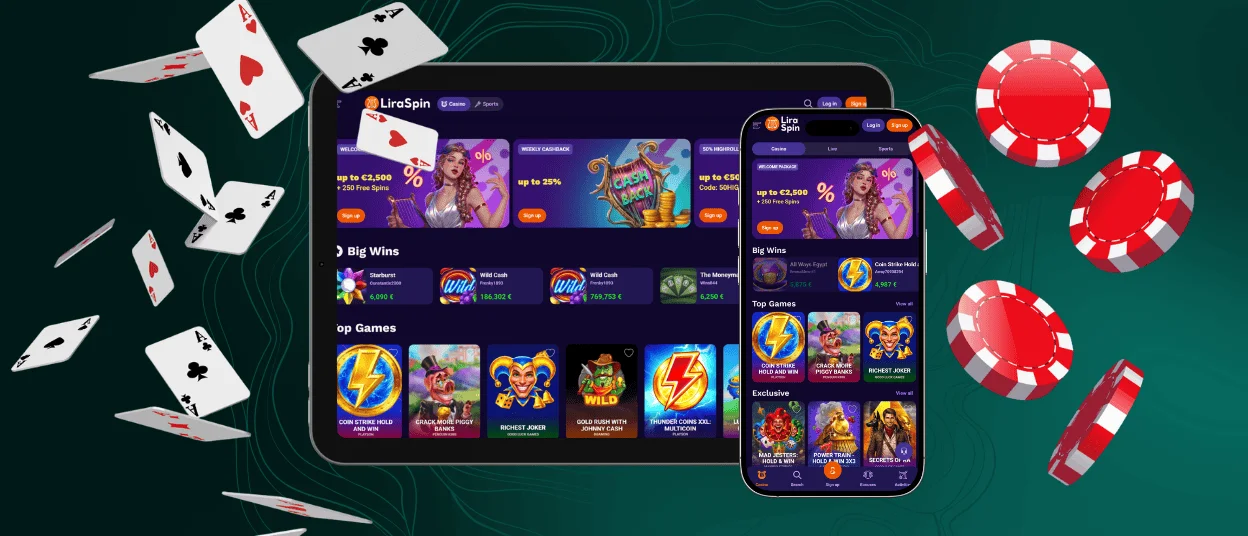
The main point of us developing a mobile application is to give our players the freedom to choose the device on which they want to spin online slots or roll dice. The Liraspin app is a cross-platform PWA that works across all operating systems. You can install it in a few clicks and enjoy gaming sessions whenever you like.



Key Features of the Liraspin App
We didn’t want to limit your gaming options to one device, especially when we know that the majority of our users prefer mobile gaming. That’s why we decided to create a progressive web application (PWA), so you can play at Lira Spin Casino from anywhere. The application has the same functionality as our web platform, and mobile gaming certainly has its advantages. For example:
- It’s easy to use and you can play while waiting or on your way back home.
- Quick and direct access: the Liraspin app launches when you tap the icon.
- No need to download heavy files from app stores.
- Data synchronization across all your devices.
- Built-in live chat for quick communication with the support team.
Pros and Cons of the Lira Spin App
As with everything else in the world, the Liraspin Casino app has its strengths and weaknesses.
| Pros | Cons |
| Easy access to games and account features from mobile | Battery usage can increase during long gaming sessions |
| Convenient features such as mobile payments and notifications | Performance depends on the device and internet connection |
| Fast loading and a user-friendly interface optimized for phones |
Mobile Application for iPhone and iPad
We do not have our application on the Apple Store, so our iPhone users don’t need to worry about downloading updates. The Liraspin Casino app automatically runs its updates in the background. You can choose what will be more comfortable for you: playing in Safari or making a shortcut on your home screen to launch our mobile casino whenever you want with a tap.
- Launch your mobile browser and go to the Liraspin Casino website.
- Find the “Share” button at the bottom of the page and tap it.
- Scroll down until you see “Add to home screen,” then press “Add”.
You can change the icon’s look before you add it to your screen. Newer versions of iOS are better for running the Liraspin app, but players can still use it on older devices. When you log in from your phone or tablet, you can use all its features without any limits. For example, you can upload documents for the verification process or enjoy quick rounds of crash games.
Liraspin App for Android
You can follow similar steps as iOS users to install the application for Liraspin Casino on your Android device:
- Open your mobile browser and visit our official website.
- Find and click the three-dot menu in the top right corner.
- In the menu, search for the “Add to home screen” line and tap “Add”.
The Liraspin app will not take up much space on your smartphone, but it’s not necessary to install the application if you don’t want to, as you can also play directly from the browser.
Liraspin APK
As the Lira Spin app is a PWA, not a native Android application, we don’t have an APK file. So if you see it in the Play Store or other websites, we do not recommend downloading it, because we have nothing to do with this and there’s a high chance that it’s malware. Players can install the Liraspin app only from our official website.
Play Lira Spin Casino on Mac or Windows
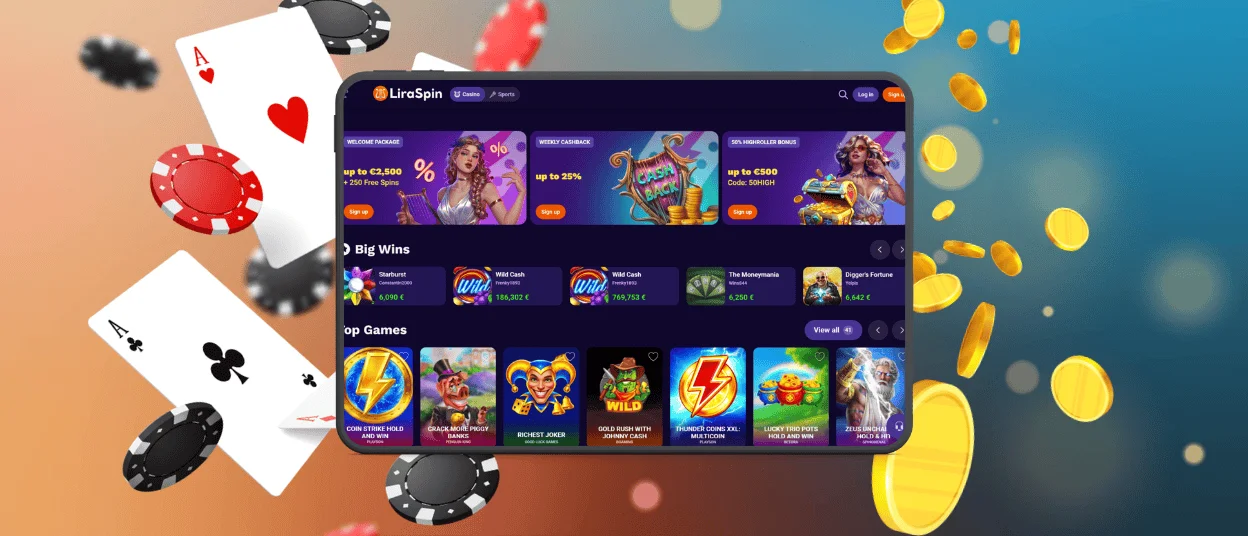
Thanks to the flexibility of the PWA, Liraspin Casino members can also install the application on PCs and laptops. You can continue playing as usual, but if you don’t want to clutter your browser with many open tabs, creating a shortcut will be more convenient. The process is quite similar to how you do it on Android and iOS, except that the “Download” button is right in the search bar. It looks like a computer screen with a down-pointing arrow, so you won’t miss it.

Device Compatibility
The Liraspin Casino app works on all gadgets and operating systems. All of your data is synced when you log in from the new device. You don’t have to change any settings to play on your phone after playing on your computer, or the other way around. If you edit something in the profile on mobile, you will see the updated information on all devices. It doesn’t matter what device you use to play at Lira Spin Casino, because your gaming experience will not change.
PWA Security Advantages
Our progressive web application was developed with modern web technologies and follows current security standards. We are responsible for the personal information you provide on our platform, so we make sure to keep it safe. PWAs have several security advantages:
- Data protection. PWAs use HTTPS encryption to protect information sent between your device and the server. Personal and account data is stored securely and is not kept only on your phone.
- Automatic updates. PWAs are updated through the web, so users always have access to the latest version. This helps keep the application secure and reduces the risk of using outdated variants.
- Better control over permissions. PWAs do not have full access to your device. You can control which features the app can use, such as notifications, helping to protect players’ privacy.
FAQ
Are my deposits secure when using the mobile app?
Yes, because the Liraspin app uses the same security measures as the web version of our mobile casino. That means your financial data is encrypted and payments comply with PCI DSS processing. If you’re concerned that someone may try to break into your account, you can enable two-factor authentication in the profile settings and add Touch ID or Face ID to your app.
Is my balance synchronized in real time across devices?
Not only your balance, but all the information in your account is synchronized between all devices that you use to play at Liraspin Casino. So, if you make a withdrawal from the app, the remaining amount will be seen in real time in your profile from the computer browser.
What operating systems are supported?
As a PWA, the Liraspin app runs on any operating system, including Android, iOS and Windows. For better performance, you should have the latest version on your device, but our application also works on older ones.


